
← All tutorials

Oracle SQL tutorial

Calculate Repo P&L with Oracle SQL

Calculate repo profit and loss for a reporting period using the GREATEST and LEAST functions to determine the correct calculation window.

Oracle SQL Finance · Repo · P&L
Repo P&L Oracle SQL tutorial thumbnail

About this tutorial

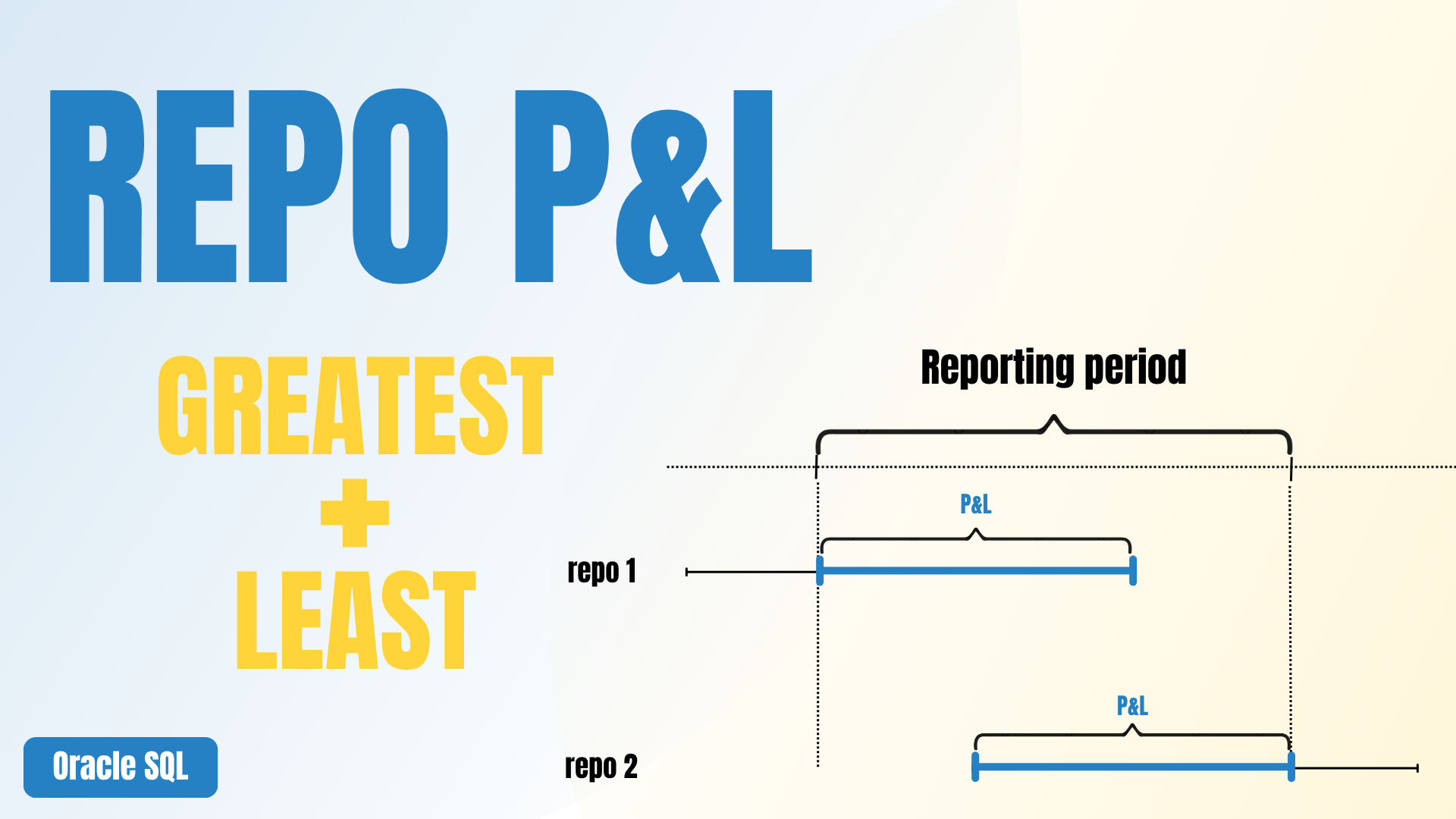
Calculate P&L only for the reporting period

This tutorial builds a single Oracle SQL query that calculates Repo P&L for the portion of each transaction that actually overlaps with the reporting period.

The key step is defining the calculation boundaries with GREATEST and LEAST. This lets the same query handle transactions that started before the period, mature during the period, or remain open on the report date.

01

Define the reporting period

Use a small parameter CTE for the report start date and report date.

02

Set calculation boundaries

Use GREATEST for the start and LEAST for the end of the P&L calculation.

03

Calculate period P&L

Apply the daily result only to the number of days that belong to the reporting period.

Repo P&L workflow

From calculation to automated reporting

This tutorial is the first step in the complete Repo P&L reconciliation workflow.

01You are hereCalculate Repo P&LOracle SQL · GREATEST & LEASTCurrent
02Next tutorialReconcile P&L with the General LedgerOracle SQL · Analytical data vs. GL entriesComing soon
03PlannedLoad the Reconciliation into ExcelPower Query · Database connectionComing soon
04PlannedAutomate the RefreshExcel VBA · Repeatable workflowComing soon
05PlannedBuild the Reporting LayerPower BI · ODBC reportingComing soon