
← All tutorials

Oracle SQL tutorial

Reconcile Repo P&L with the General Ledger

Compare the calculated analytical Repo P&L with general ledger accounting entries and identify differences in a single SQL query.

Oracle SQL Finance · Repo · GL reconciliation
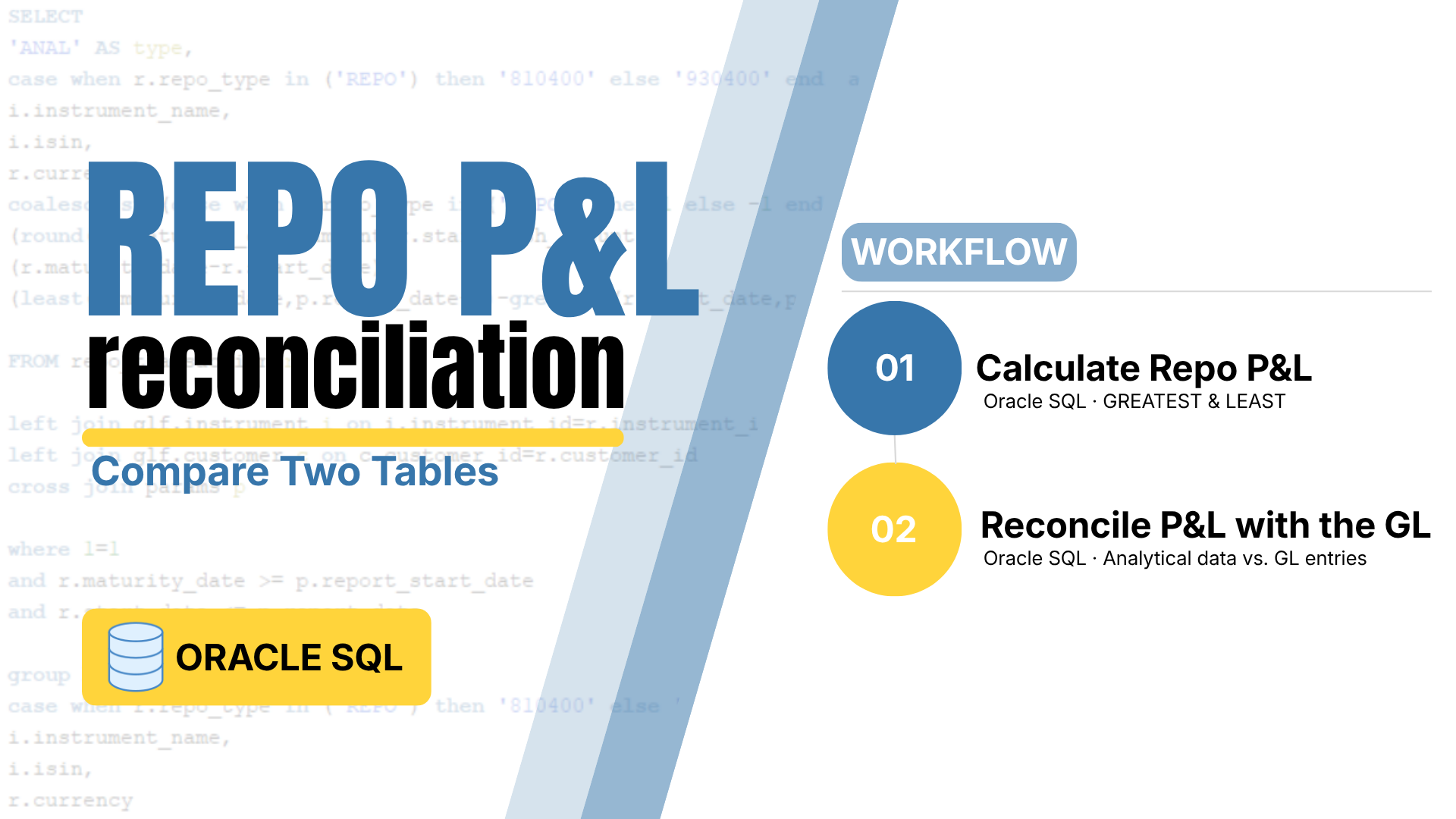
Repo P&L Oracle SQL tutorial thumbnail

About this tutorial

Compare analytical and booked Repo P&L

Continue from the previous Repo P&L calculation tutorial. We aggregate the analytical results and the corresponding general ledger entries at the same level: GL account, instrument, ISIN and currency.

Using Common Table Expressions (CTEs), UNION ALL and conditional aggregation, we bring both sides together and calculate the difference between analytical and booked P&L.

← Start with the Repo P&L calculation tutorial

01

Prepare analytical P&L

Reuse the previous calculation and aggregate by GL, instrument, ISIN and currency.

02

Prepare booked P&L

Apply debit and credit signs and aggregate the accounting entries at the same level.

03

Reconcile the balances

Combine both datasets with UNION ALL and calculate analytical, booked and difference columns.

Repo P&L workflow

From calculation to automated reporting

This tutorial is the second step in the complete Repo P&L reconciliation workflow.

01PublishedCalculate Repo P&LOracle SQL · GREATEST & LEASTOpen →
02You are hereReconcile P&L with the General LedgerOracle SQL · Analytical data vs. GL entriesCurrent
03PlannedLoad the Reconciliation into ExcelPower Query · Database connectionComing soon
04PlannedAutomate the RefreshExcel VBA · Repeatable workflowComing soon
05PlannedBuild the Reporting LayerPower BI · ODBC reportingComing soon