
← All tutorials

Excel VBA tutorial

VBA Shortcuts: Format Numbers and Switch Signs

Speed up repetitive Excel formatting with two practical VBA macros for number formats and sign changes.

Excel VBAExcel · VBA · Productivity
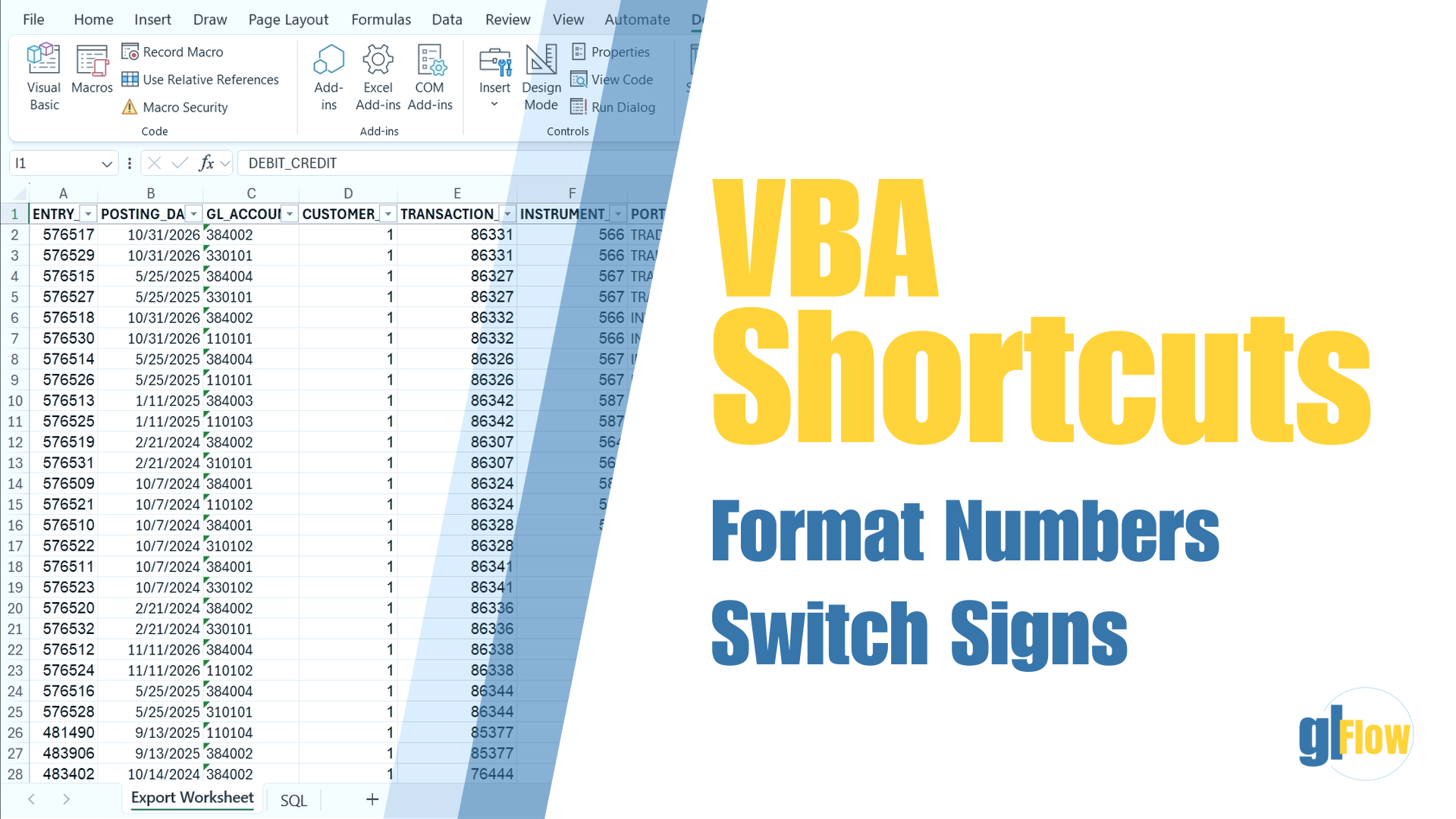
VBA Shortcuts tutorial thumbnail

About this tutorial

Two small macros for repetitive Excel tasks

This tutorial shows how to turn two common manual actions into keyboard shortcuts: switching number formats and reversing the sign of selected values.

The downloadable VBA modules let you inspect the code and reuse the macros in your own workbook.

01

Format numbers faster

Toggle the selected cells between a standard number format and General.

02

Switch signs instantly

Multiply selected numeric values by minus one without helper columns.

03

Reuse the macros

Download the VBA modules and adapt the shortcuts to your own workflow.